
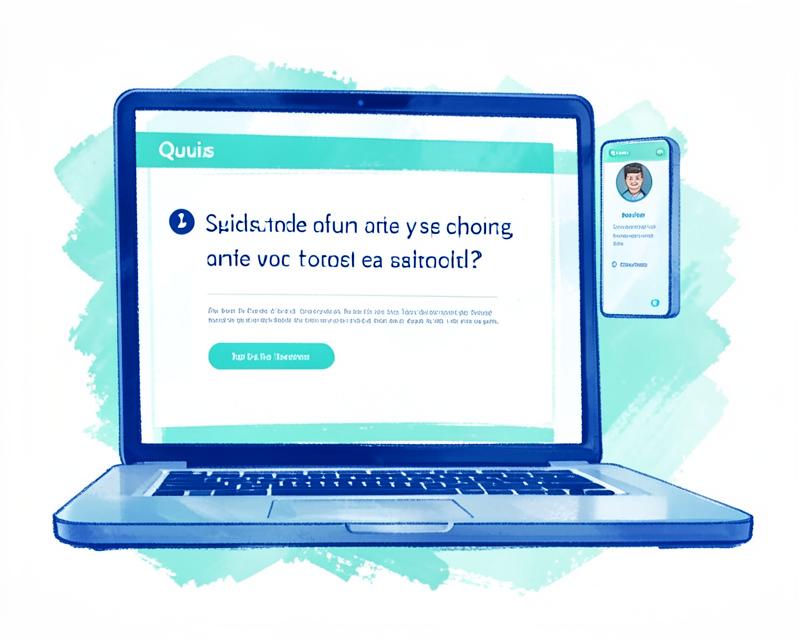
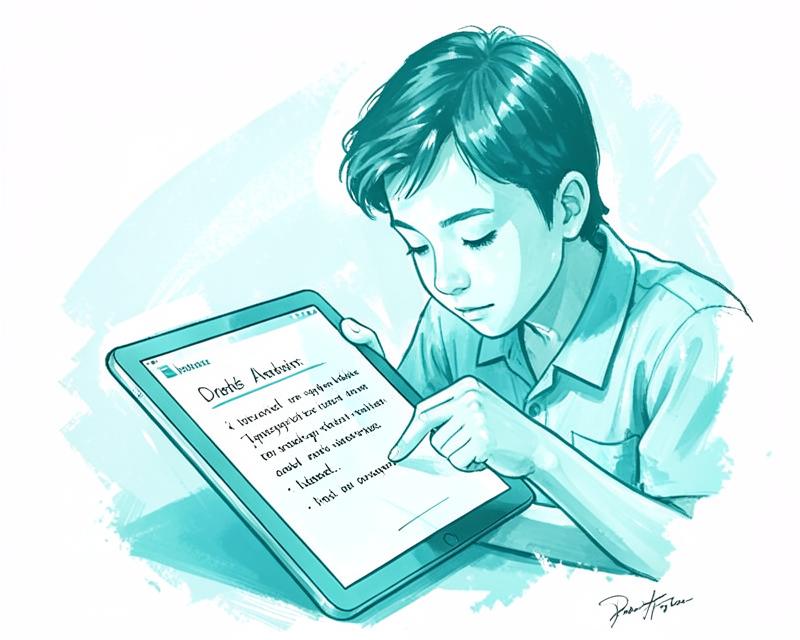
Painted illustration of a student working through a wave of homework

Homework
Help With
A Final Say

How it works

How it works

Built for the open assignment

Not another dashboard to manage. Questions stay connected to their answers, explanations, and exact destination.

01

Scan

Buddy reads the assignment.

It identifies visible questions and available answer fields without pressing submission controls.

02

Review

You check every draft.

Each suggestion includes a short explanation and an honest confidence state.

03

Insert

Only approved work is placed.

Buddy targets the matching field or worksheet area, then checks whether the answer remained there.

Support, without the pretending.

Buddy is being tested format by format. A platform moves to supported only after it works reliably on real assignments.

  • Standard webpage fieldsTestingInputs, text areas, choices, and select menus are built and under real-page testing.
  • Canvas worksheets & PDFsExperimentalScanning and annotation insertion work on selected layouts; reliability testing continues.
  • Google Docs, Schoology & othersNot yet verifiedNo public support claim until each platform passes the release checklist.

The line Buddy will not cross.

Never submits

Buddy does not click Submit Assignment, Turn In, or equivalent controls.

Never inserts silently

An answer needs your approval before Buddy attempts to place it.

Never hides uncertainty

Inserted and verified are different states. Failures stay visible.

Never ships secret keys

AI credentials remain on Buddy's protected cloud server—not in the extension.

Free while we test it properly.

Buddy is not for sale yet. We are testing real assignments, subjects, and school platforms before asking anyone to pay.

$0

During private testing

Request test access

Try Buddy for free.

Leave your email to request test access. We'll review your request and email you when your access is ready. This doesn't create an account or start a paid plan.

Your data stays private — we never sell it, and Buddy never acts without your approval.

Or email us directly at info@meetbuddy.us

Add to ChromeOpens the Chrome Web Store. Chrome asks you to confirm before it adds Buddy.

From the blog

How Buddy helps students with homework

Step-by-step explanations, drafted answers, and nothing placed without your approval — read how Buddy actually works on a real assignment.

Read the post